
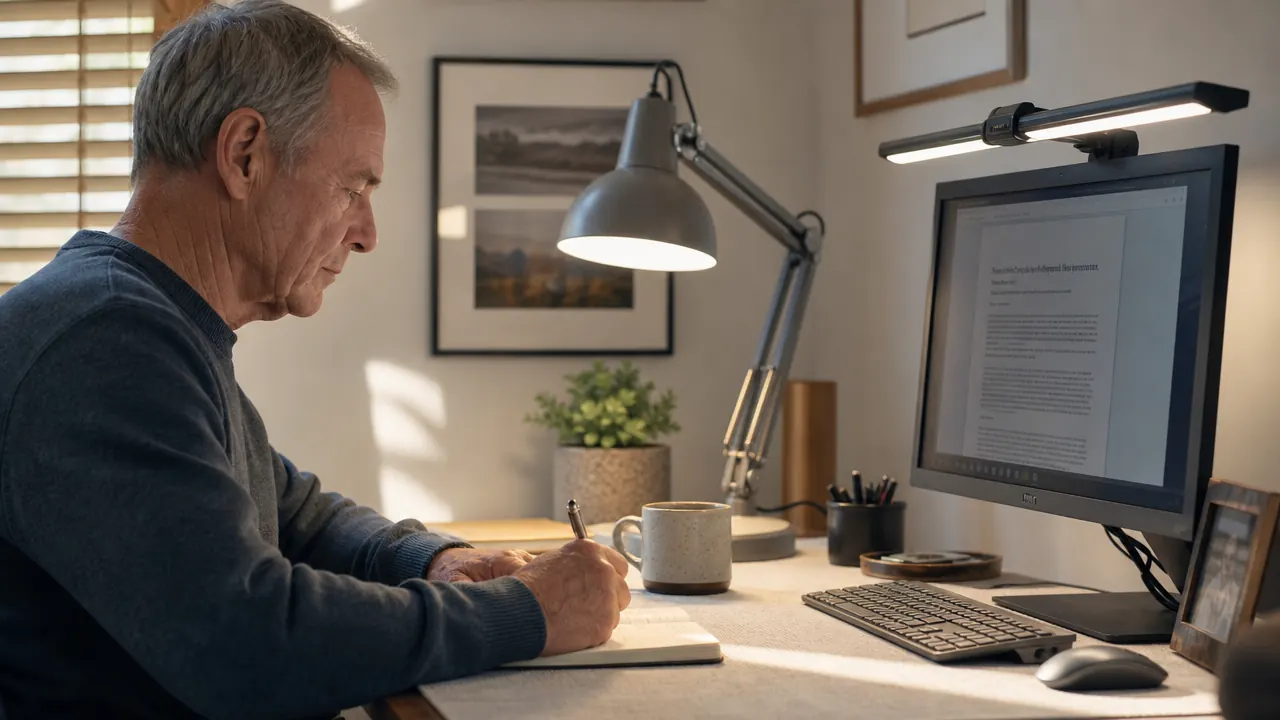
I built my home office over the better part of a year, piece by piece, same way I used to build a room addition: measure twice, buy once, do not waste money on things that look good on a shelf but fall apart in practice. When I got to lighting, I figured it would be the easy part. It was not. My eyes were starting to burn by 3 in the afternoon, and I had a headache three or four days a week. I tried a cheap clip lamp first. That made things worse. Then I looked seriously at two options that kept coming up: the Lepro LED desk lamp, which Forbes Vetted had flagged as a best task lamp pick, and the BenQ ScreenBar, which nearly every tech reviewer online seems to love. The short answer is that they solve slightly different problems, and the one that costs four times more is not automatically four times better for a home office desk.
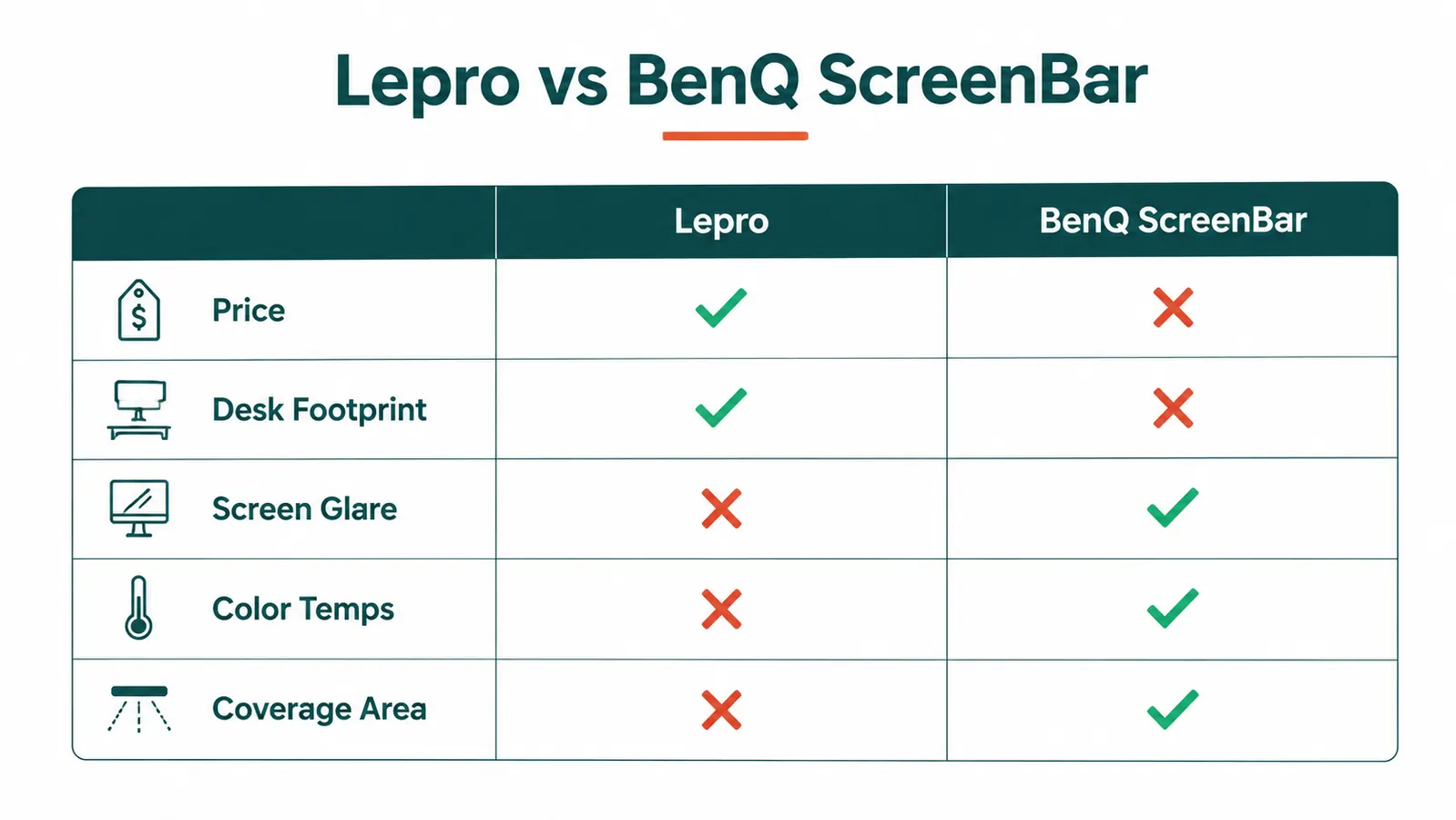
If you are trying to decide between these two right now, here is the plain version: the Lepro wins on price, desk coverage, and flexibility. The BenQ wins on zero desk footprint and no glare bouncing off your screen. Both are real improvements over a bare bulb or a cheap hardware-store clamp light. But for most people setting up a home workspace on a budget, the Lepro does the job well, costs a fraction of the price, and leaves you money for a second lamp or a decent monitor arm.
| Spec | Lepro LED Desk Lamp | BenQ ScreenBar |
|---|---|---|
| Price | Around $27 | $109 and up |
| Mounting | Weighted desk base, stays put | Monitor top-clip, no desk contact |
| Desk footprint | Small base, takes a few square inches | Zero desk footprint |
| Screen glare | Can cause glare if aimed wrong | Asymmetric beam, zero screen glare by design |
| Color temperatures | 5 modes: 3000K, 4000K, 5000K, 6000K, and a mixed warm-cool | 2700K to 6500K continuous slider |
| Brightness control | 5 discrete brightness levels via touch | Stepless continuous dimmer |
| Auto-dimming | No | Yes, built-in ambient light sensor |
| Illumination area | Wide spread, lights desk and task surface well | Narrow downward wash focused on desk below monitor |
| Versatility | Works on any desk, reading chair, workbench, craft table | Only works clipped to a monitor bezel |
If eye strain is your problem, the Lepro fixes it without the $100 price tag
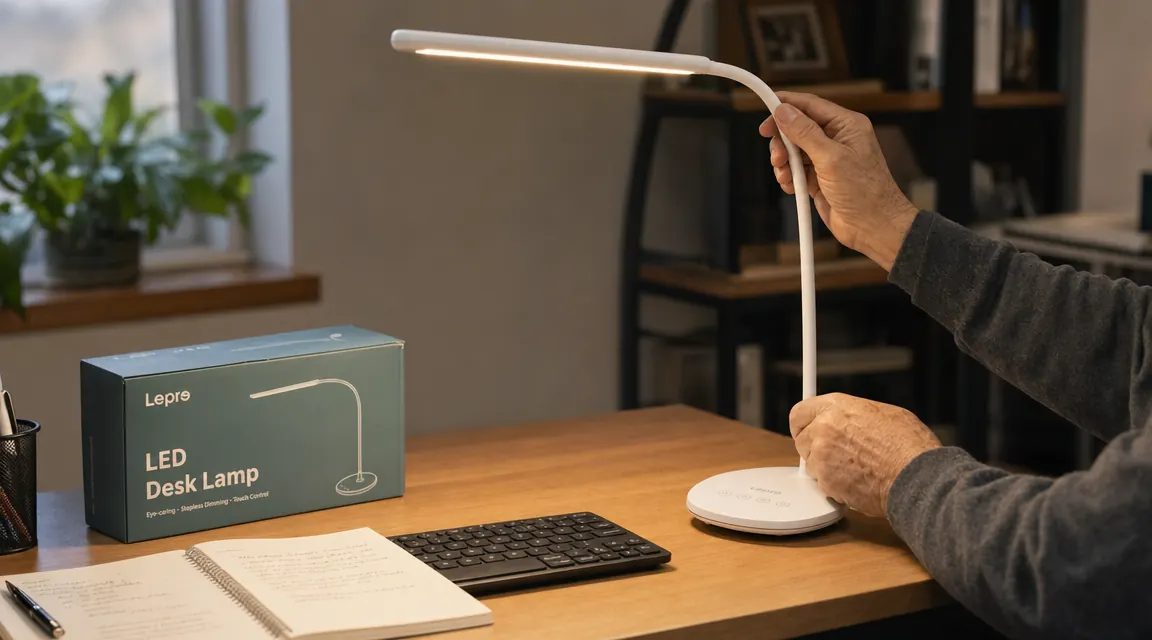
The Lepro LED desk lamp has 5 color modes, 5 brightness steps, an 800-lumen metal build, and a Forbes Vetted badge. It is the desk light I actually use every day.
Amazon Check Today's Price on Amazon →Where the Lepro Wins
Price is the obvious one, but it goes further than just the number. The Lepro comes in a metal housing, not plastic. The arm joints feel solid. The weighted base does not slide when you bump the cord. The touch controls on the base respond cleanly. Those are build details you would expect to pay more for, and Lepro delivers them at around $27. When I picked it up out of the box, I thought they made a pricing mistake. They did not.
The five color temperature modes are a real advantage for a home office day. I use 3000K warm white in the morning when I am doing paperwork that does not require sharp focus. I shift to 5000K daylight for fine detail work, reading specs, or checking colors on drawings. The BenQ has a smoother slider, but five discrete steps cover every real working scenario without requiring you to fiddle with a continuous control. I set it and forget it for hours at a time.
Versatility also matters if your home office doubles as anything else. I use the Lepro at my drafting table when I am sketching, at my workbench when I am repairing small hardware, and occasionally pointed at a bookshelf when I need to read in the evenings. The BenQ does one job: it sits on a monitor. If you ever need a lamp somewhere other than directly below a screen, the BenQ cannot go there. The Lepro goes wherever you need it.
Where the BenQ ScreenBar Wins
The BenQ's asymmetric optical design is genuinely smart. The light bar throws all its output downward and forward onto your desk, with the beam deliberately shaped so none of it bounces off your screen back into your eyes. If you have a glossy monitor and you are fighting screen glare from your task lamp, the BenQ solves that problem completely and cleanly. The Lepro, aimed wrong, will absolutely reflect off a glossy panel. Most people aim it correctly and never have this issue, but if your desk layout makes proper positioning difficult, the BenQ removes the problem entirely.
The zero-desk-footprint design matters on a small or crowded surface. The ScreenBar clips to the top of your monitor bezel, hangs over the top, and uses the monitor's USB port for power. Nothing on the desk. No cord running to an outlet. If every square inch of your desk is occupied and you cannot spare room for a base lamp, the BenQ is the only option that adds light without adding surface clutter. That is a real engineering benefit, not marketing fluff.
The automatic brightness adjustment is also worth acknowledging. The ScreenBar has a built-in ambient light sensor that raises or lowers output as your room lighting changes. If afternoon sun shifts across your office, the lamp compensates. The Lepro does not do this. You adjust it manually. For most people, that is not a hardship. But if your room light fluctuates a lot through the day and you find yourself constantly reaching for controls, the auto feature saves real minor frustrations.
The BenQ is smarter on paper. The Lepro is smarter about money. At a three-to-one price difference, most home office workers will never miss what the extra $80 buys.
Build Quality: An Old Carpenter's Take
I have handled a lot of tools and hardware over 30-plus years of finish carpentry. When something is well-made, you feel it in the first 30 seconds. The Lepro lamp is solid for its price point. The metal arm holds its angle without drift. The base is heavy enough that it stays where you put it. The touch controls on the base are responsive and do not require pressing hard. The only thing that would make me want to spend more is if I needed the lamp to last through genuinely heavy industrial use, which a home office does not require.
The BenQ ScreenBar is also well made. The clip mechanism grips firmly without scratching monitor bezels. The control wheel on the bar turns with appropriate resistance. The cord management is tidy. It feels like a $100 product. The honest question is whether it feels like a $100 desk lamp compared to a $27 desk lamp, or whether it just feels like a different kind of desk lamp. My answer is the second. They are different form factors solving slightly different problems. Build quality on both is appropriate for their price and use case.

The Eye Strain Question
My afternoon headaches stopped after I started using the Lepro consistently. The fix was mostly about color temperature: I had been working under overhead fluorescents that run cool blue-white all day, and my desk lamp was doing the same. Switching the Lepro to a warmer mode in the late afternoon made a noticeable difference within a week. This is the thing most people skip when they read lamp specs. Lumens and wattage matter less than color temperature for eye comfort. The Lepro gives you five real modes to work with, which is more than enough.
If you are dealing with specific eye strain from screen reflection and your current lamp is creating a bright hot spot in the corner of your monitor, the BenQ will fix that problem more reliably. That is a legitimate use case and the BenQ earns its price for those users. But if your eye strain is general fatigue from poor ambient light and the wrong color temperature, either lamp will help. The Lepro will help for $27 instead of $109.
Who Should Buy Which
Buy the Lepro if you want to fix eye strain, add real adjustable task lighting, and get a metal build that will last for years without spending more than you have to. It works on any surface, travels easily if you move between rooms, and covers the full range of color temperatures you will actually use. It is the right call for most home office setups, period. If you are dealing with screen glare specifically, positioned correctly the Lepro handles that too. Read how to light a home office without screen glare for placement tips that make any task lamp work better. You can also see the full deep-dive in the Lepro LED desk lamp review if you want more detail on the dimmer, arm joints, and long-term use before buying.
Buy the BenQ ScreenBar if your desk surface is genuinely too small for a base lamp, if you have a glossy monitor with a difficult glare angle you cannot correct by repositioning, or if the automatic brightness adjustment matters to your workflow. It is a well-made product that earns its cost for the right use case. Just know that you are paying a significant premium for a narrower range of uses. For most home offices, that premium is not necessary.
The Lepro does what the ScreenBar does, for less than a quarter of the price
Metal construction, 5 color modes, 5 brightness steps, 800 lumens, Forbes Vetted. The lamp I use every day in my own home office.
Amazon Check Today's Price on Amazon →