
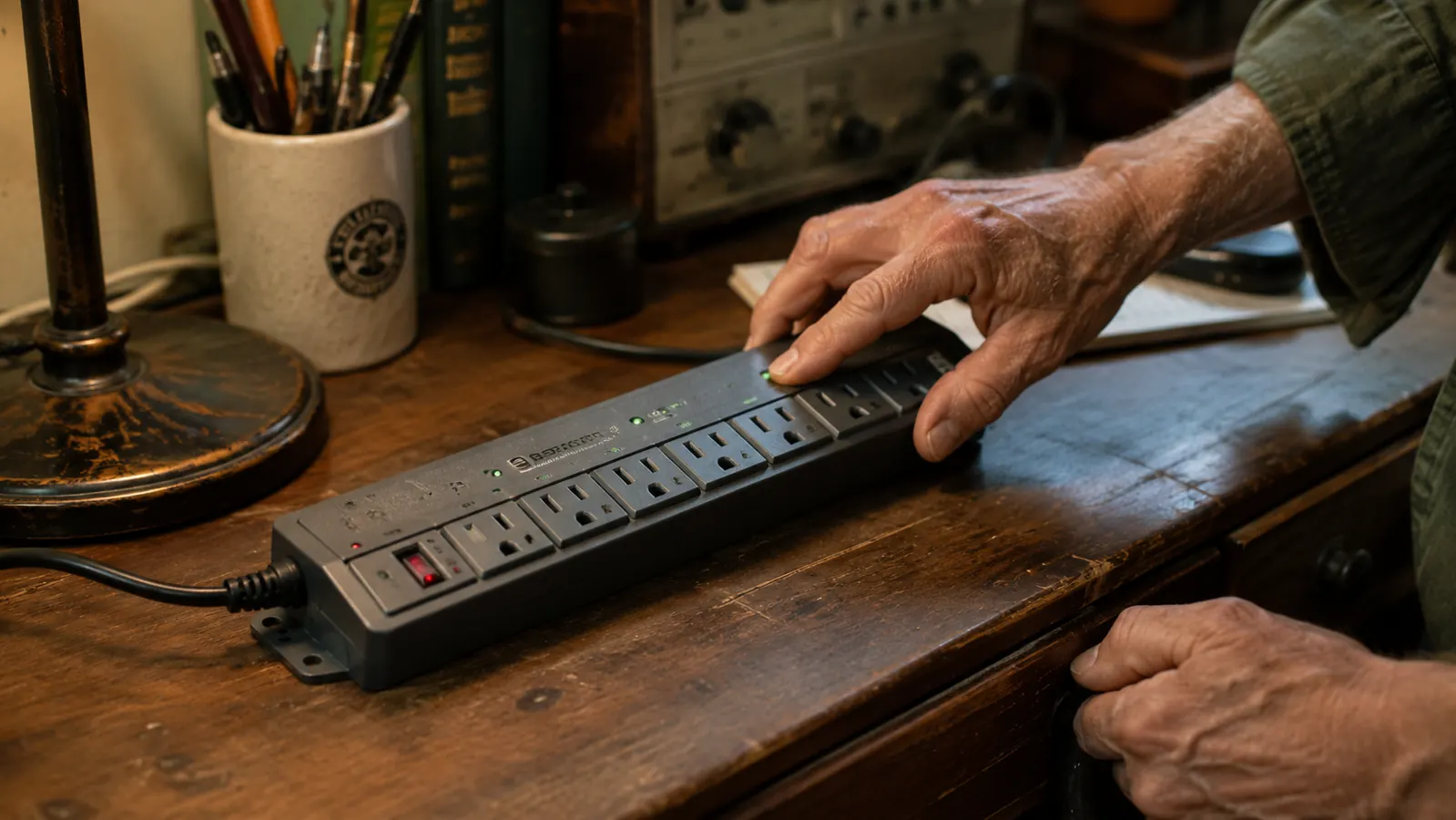
I have had the Kasa HS300 running on my home office desk for two years now. I bought it because I wanted six smart outlets and real energy monitoring at a price that did not feel like a joke. It delivers on both of those things. But two years of daily use also shows you the parts of a product that nobody mentions in the first-week reviews. There are real limitations to this strip that most buyers do not find out about until after they have already committed to it. I would rather you know them going in.
This is not a takedown. The Kasa HS300 earns its place on my desk. But if you are comparing options and want the full picture on cloud dependency, the app account requirement, the USB situation, and a couple of hardware quirks that only show up over time, this is the article for you.
The Quick Verdict
A genuinely useful smart strip for a home office desk. The long-term tradeoffs are real but manageable. Know what you are getting into before you set up the account and wire your workspace around it.
Amazon Check Today's Price →Your desk gear is running whether you want it to or not. The HS300 gives you real control over every outlet, and at current pricing, nothing else comes close for what it does.
Six individually scheduled smart outlets, per-outlet energy monitoring, Alexa and Google Home support, no hub required. See current pricing before you decide.
Amazon Check Today's Price on Amazon →The Cloud Dependency Nobody Mentions on the Box
Here is the thing about any smart plug: it is not just a plug. It is a plug that depends on TP-Link's servers staying online. The HS300 connects to your home Wi-Fi, but it talks to Kasa's cloud infrastructure to receive commands from the app when you are away from home, to run the voice integrations with Alexa and Google, and to sync your schedules when you make changes. When TP-Link's servers have a hiccup, you feel it.
In two years I have had three instances where the app could not reach my strip remotely, even though the strip was still running fine on its local Wi-Fi connection. The schedules still fired because Kasa stores schedule data on the device itself, which I give them credit for. But during those outages I could not toggle outlets from my phone, could not check energy readings, and the Alexa integration went dead until the cloud came back. Each time it resolved within a couple of hours. That may be acceptable to you. But if you are building a home office setup where you count on remote control or voice commands being available without exception, it is worth knowing that the strip is not standalone hardware. It has a landlord, and that landlord is TP-Link.
This is not a Kasa-specific criticism. Every Wi-Fi smart plug works this way. The difference is that when you wire six outlets on one desk around a single smart strip, you are making a bigger bet than you would with a single smart plug. If you want local-only control with no cloud dependency at all, you would need a different ecosystem, and that is a bigger project than most home office setups call for. Just go in with your eyes open.
You Will Need an Account, and That Account Will Eventually Expire on You
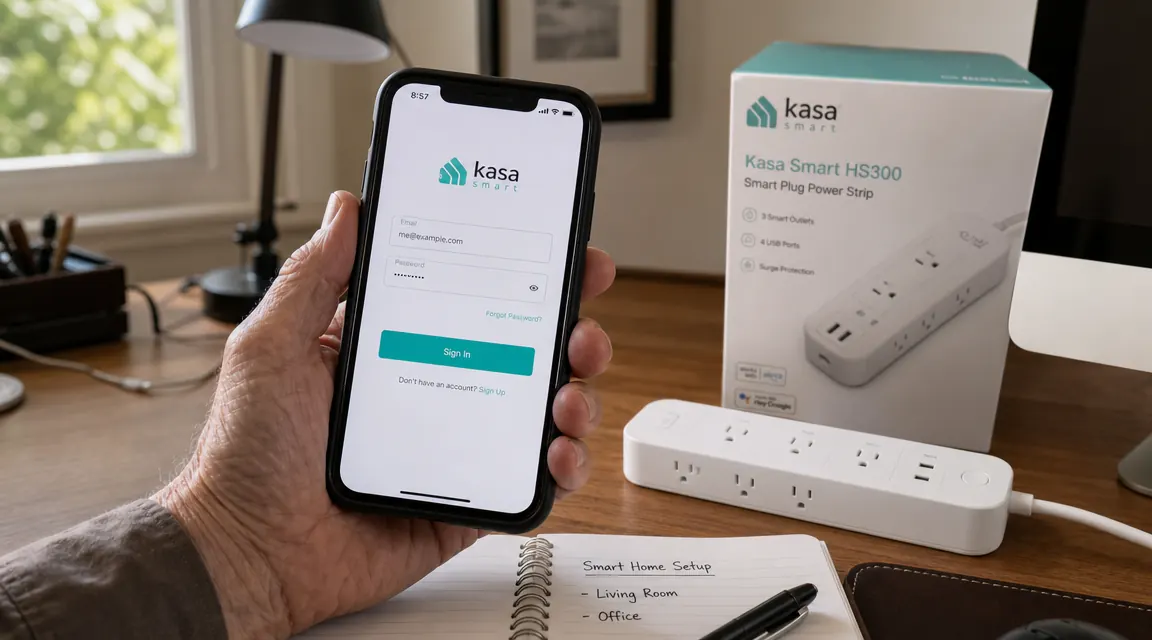
To use the Kasa app, you need a TP-Link Kasa account. That means an email address, a password, and a registration that ties your smart home devices to TP-Link's platform. If you are someone who does not want to hand over an email address to use a power strip, this is the product that will frustrate you. There is no local-only setup mode where you skip the account and control everything through your router.
More practically, in two years the app has asked me to log back in on three separate occasions. Once after a significant app update pushed to my phone. Once after I got a new phone and reinstalled the app. Once for no reason I could identify. Each time I had to pull up my password manager and re-enter credentials before I could control anything. If you use the same email and password you use everywhere else, this will be mildly annoying. If you use a password manager with a long unique password, it will be slightly more annoying because you have to open the manager first. Either way, it is a friction point that a dumb power strip never has.
A dumb power strip never asks for your password. If you want smart control, that is the trade you are making. Make it knowingly.
The 2.4 GHz Wi-Fi Requirement: A Real Gotcha for Newer Routers
The HS300 connects to 2.4 GHz Wi-Fi only. It does not support 5 GHz. This is common for smart home gear and it is not unreasonable since 2.4 GHz has better range and wall penetration. The problem shows up when you have a modern mesh router system or a newer dual-band router that broadcasts both bands under a single network name, sometimes called band steering. Some routers handle this automatically and the HS300 will find the right band on its own. Others do not, and the strip will fail to connect during setup without any clear error message telling you why.
My neighbor tried to set up his HS300 and spent forty-five minutes troubleshooting what he thought was a defective unit before I suggested he check whether his router was merging the two bands. He logged into his router admin page, created a separate 2.4 GHz SSID, connected the strip to that, and it worked in thirty seconds. If your router does this and you do not know it, setup feels broken. The fix is simple once you know what to look for, but the instruction sheet says nothing about it. Before you buy, log into your router and confirm you can expose a standalone 2.4 GHz network if you need to.
The USB Ports: Honest Assessment for 2025
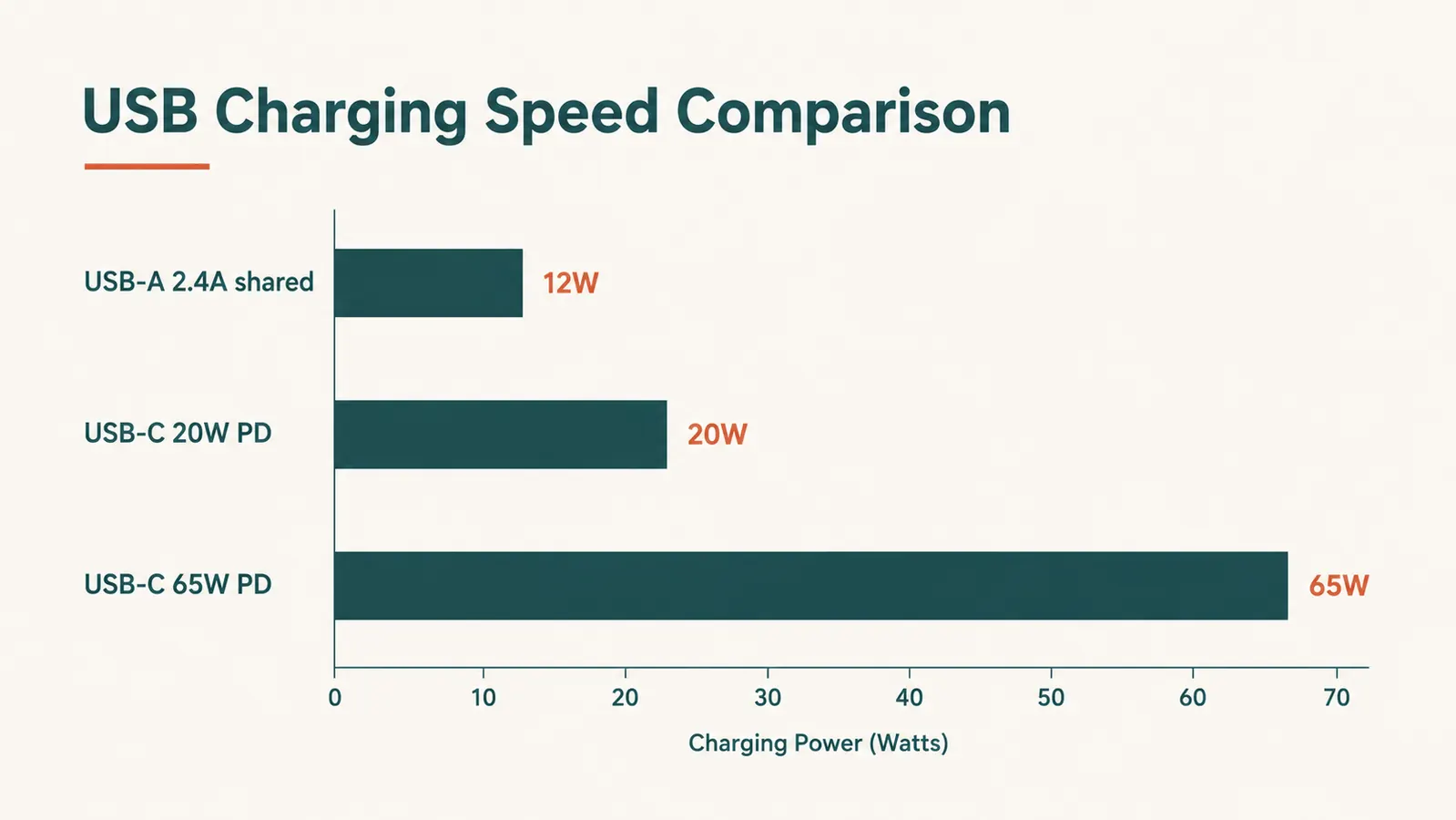
The HS300 has three USB-A ports. They share 2.4 amps total across all three. When this strip came out, that was a reasonable spec. Modern devices have moved on considerably. A current iPad Pro charges via USB-C at up to 30 watts. A MacBook Air needs 30 to 45 watts to charge at any useful speed. Even mid-range Android phones now support 18 to 25 watt fast charging over USB-C. None of those work at full speed from the HS300's USB ports.
In practical terms, the USB ports on this strip are fine for a phone doing a slow overnight top-up, for a Bluetooth speaker, or for a small e-reader. They are not fine for your primary phone charging station if you expect a full charge in two hours, and they do not touch USB-C devices at all without an adapter. I keep a separate USB-C charging brick on my desk for the iPad and the phone I actually care about charging quickly. The USB ports on the HS300 handle the backup gear.
None of this is a reason to skip the strip. But buyers who see three USB ports on the spec sheet and assume they can retire their charging block are going to be disappointed. You will want a dedicated fast charger alongside this strip for any device built in the last three years.
Outlet Spacing and the Wall-Wart Problem
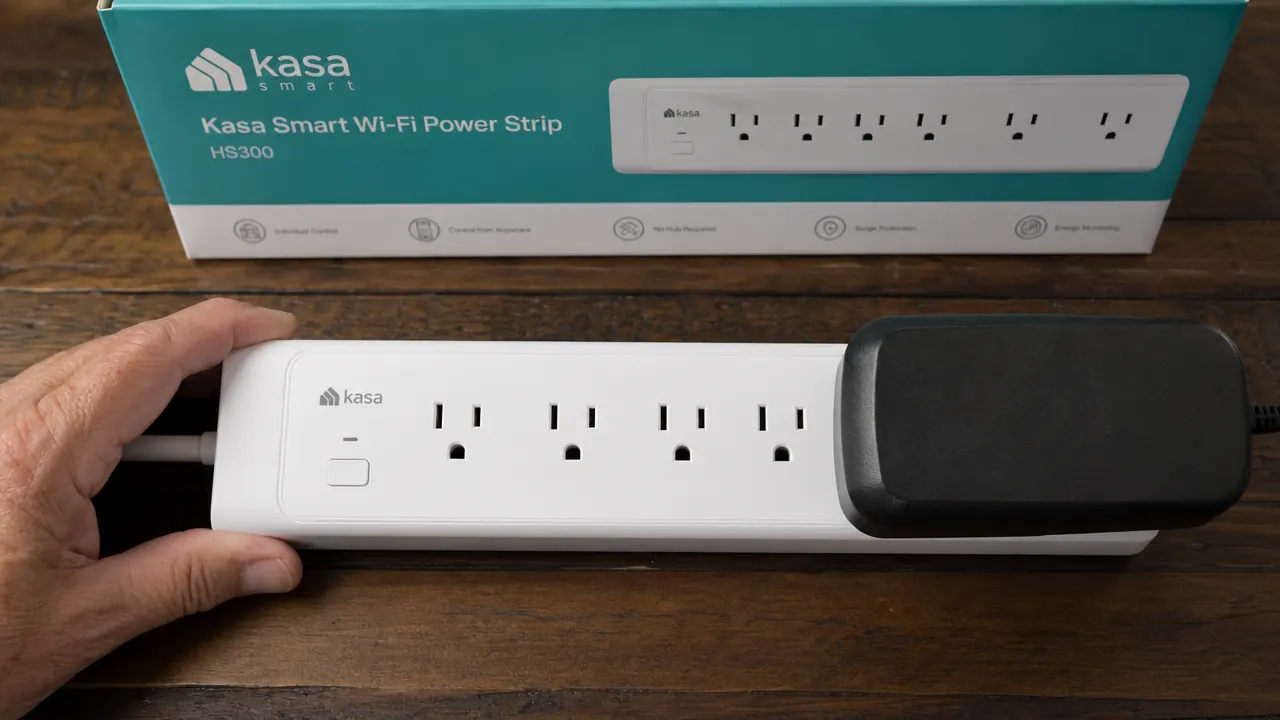
The six outlets on the HS300 are arranged in two rows of three. The spacing between them is reasonable for standard plugs, the kind with a cable coming straight out of a connector the size of two stacked quarters. The spacing is not reasonable for large transformer blocks, the ones that are three inches wide and two inches deep, which many older devices still use. I have a wireless router, an external hard drive, and a small network switch that all come with transformer blocks. Only one of those fits on the HS300 without blocking an adjacent outlet.
The practical fix is to put any oversized block at the end of a row, where it can only block one neighbor instead of two. You can also use a short extension cable between the block and the strip to give yourself clearance. But if you are buying this strip expecting to clean up six wall-wart plugs from six devices, count how many of those plugs are transformer blocks first. Three or more and you will run out of usable outlets. This is a geometry problem, not a quality problem, but it catches people off guard.
Two Years of Build Quality: What Has and Has Not Held Up
I spent my career looking at how things are built. The HS300 is not going to win any awards for craftsmanship, but it is not a throw-away product either. The plastic housing has some give to it, more than I would like, but the outlet slots still feel firm and the contacts grip plugs without wobble. Two years of plugging and unplugging devices from the same six slots and I have not felt any loosening in the outlet contacts. That is a good sign.
The power cord is a straight five-footer, which routes cleanly down the back of a desk. The braid covering the last two inches at the strip body shows faint surface wear from being shifted a few times during cleaning, nothing structural. The six indicator lights on the face of the strip still glow at the same brightness as day one. The surge protection circuitry gives no outward sign of degradation, though I have not had the bad luck of testing it against an actual surge.
Where I have noticed a change over time is in app behavior rather than hardware. TP-Link has updated the Kasa app multiple times since I bought this strip. Most updates were invisible improvements. Two of them brought visible changes to the interface that required me to relearn where certain settings lived. One update broke the energy history display for about two weeks until a follow-on patch fixed it. These are software issues, not hardware issues, but they affect the daily experience of using this product. Smart home gear is not a buy-it-and-forget-it product the way a dumb strip is. It has a software lifecycle, and that lifecycle is in the hands of TP-Link.
What I Liked
- Six individually controlled outlets with per-outlet on/off and scheduling, stored on the device so they run during Wi-Fi outages
- Per-outlet energy monitoring is accurate and genuinely changes how you manage desk power draw
- Hardware build quality holds up over two years of daily use, outlet contacts still firm
- Alexa and Google Home integration works without a hub and responds quickly under normal conditions
- 4000-joule surge protection is meaningfully higher than budget strips
- Five-foot cord with straight plug routes cleanly behind a desk without forcing the outlet housing
Where It Falls Short
- Cloud-dependent: remote control and voice integration go dark when TP-Link servers are down, even if the strip is physically running
- Requires a TP-Link Kasa account, which may prompt re-login after major app updates
- 2.4 GHz only, which can cause setup failures with band-steering mesh routers if not configured separately
- No USB-C ports and only 2.4A shared across three USB-A ports, inadequate for fast-charging modern devices
- Large transformer block adapters can block adjacent outlets depending on placement
- App interface changes across firmware updates create a moving-target experience for settings location

Who This Is For
If you have a full desk setup, four or more standard-plug devices drawing power in one place, and you want to schedule them, monitor their draw, and control them with your voice, the HS300 delivers. It works best for people who are already in the Alexa or Google ecosystem and do not mind setting up a cloud account to access smart features. Remote workers who want to stop reaching behind monitors to flip power are exactly the right buyer. So are home office builders who want to see which piece of gear is costing them money on the electric bill. For both groups, forty dollars is a fair price for what this delivers. You can dig into more automation ideas in the home office smart plug automation guide, which walks through scheduling routines for a full desk setup.
Who Should Skip It
Skip this strip if you are unwilling to create an account and depend on a company's cloud infrastructure for your workspace to run the way you planned. Skip it if most of your desk devices use large transformer blocks, because the outlet layout will fight you. Skip it if USB-C fast charging is a priority at your desk, because you will need a separate charger anyway and the USB ports on this strip will feel like an afterthought. And skip it if you want home automation that continues to work fully without internet, because local-only control on the HS300 is limited to schedules that were already set before the connection dropped. None of these are deal-breakers for the right buyer. But if you are the wrong buyer, knowing that going in saves you the hassle of returning it. If you are weighing this against the newer Tapo option, the full long-term review of the HS300 covers the head-to-head comparison context in more detail.
All the caveats accounted for, I still have this on my desk. If you run a real home office with several devices on one strip, it earns its price.
Six smart outlets, per-outlet energy monitoring, Alexa and Google Home out of the box. Check current pricing to see if it makes sense for your setup.
Amazon Check Today's Price on Amazon →